How to build a divorce bank statement spreadsheet in Excel, step by step
To build a divorce bank statement spreadsheet, convert each account's PDF statements, prove each against its printed balances, combine them in one sheet with an Account column, and add three review columns: Account holder, Category and Flag. Filters and a pivot table answer most questions. Four accounts over three years is about 144 statements. Not legal advice.
The goal is one spreadsheet that anyone can filter by account, person or month without opening a PDF. Here is how to build it in Excel.
How do you collect and check the statements?
Step 1: Collect the PDFs
From each bank's statements page, download every monthly statement for the period your attorney gave you. Avoid the activity CSV: it usually has no opening or closing balance, so you can't show it is complete. Paper statements can be scanned at 300 dpi in grayscale.
Step 2: Convert and prove each one
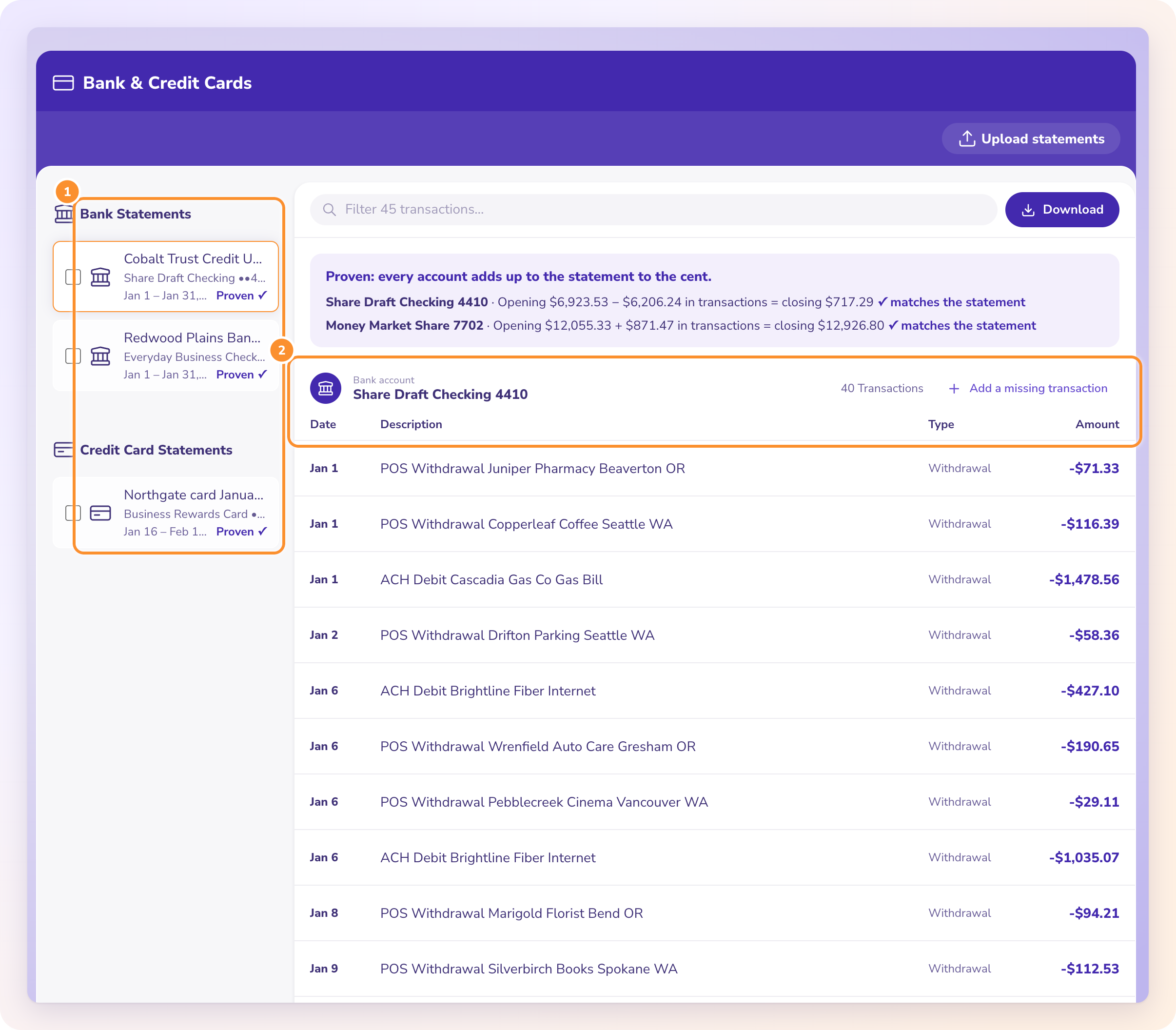
Convert every PDF into rows. Then check each statement: opening balance plus all its rows must equal the printed closing balance. A statement that doesn't tie has a missing or misread line, and it is better to find that now.
Step 3: Check for missing months
List each account's statements in date order. Every opening balance should equal the previous statement's closing balance. If one doesn't, or a month is absent, write it down. A missing statement is something to raise, not paper over.
How should the spreadsheet be laid out?
Step 4: Combine into one sheet
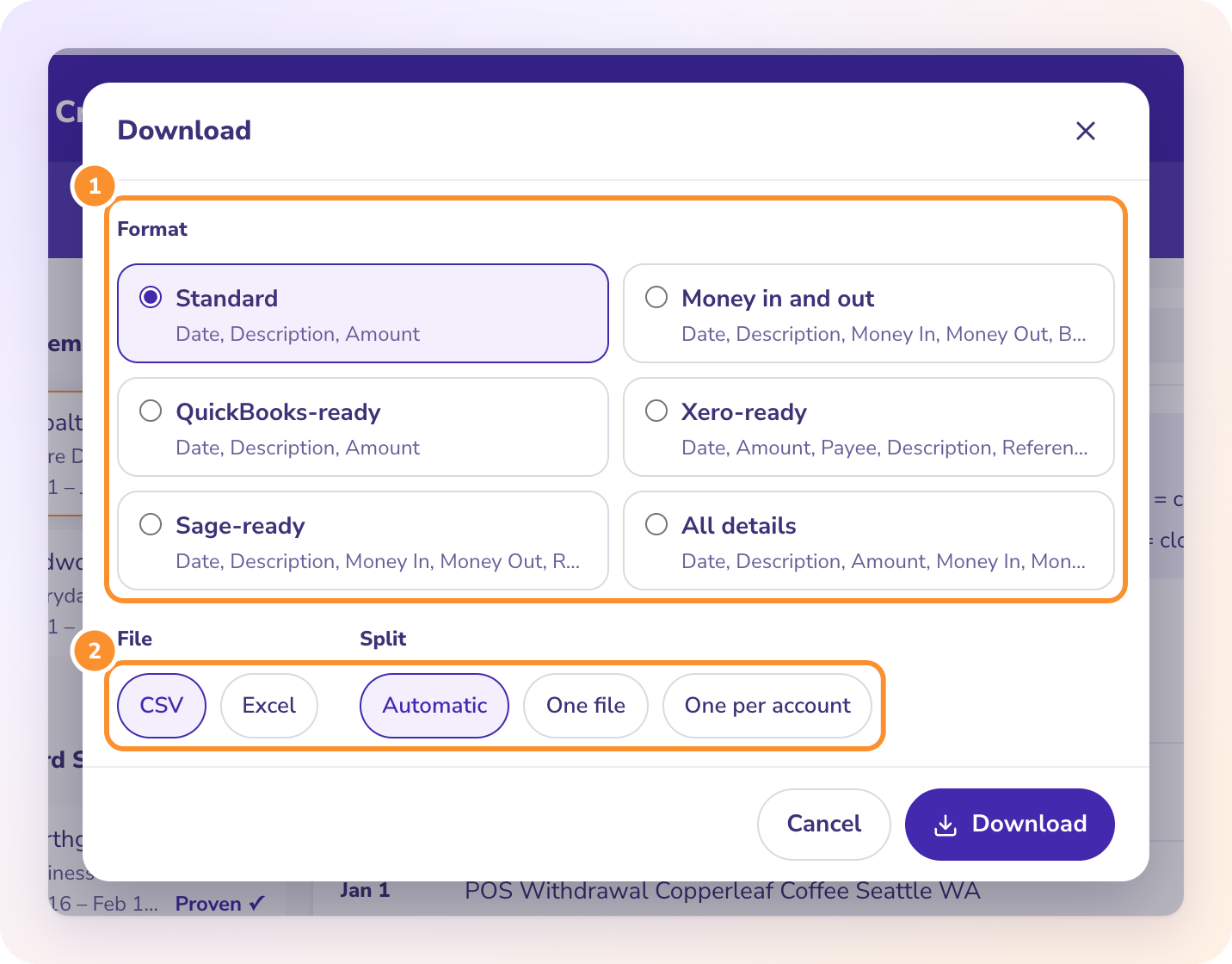
Put every account's rows into one sheet with Date, Account, Description, Amount (money out as a minus) and Source File, then sort by Date. Card statements are easier to read in their own file, because charges come out negative and payments positive.
Step 5: Add your review columns
- Account holder: one value per account, such as Joint, Spouse A or Spouse B. Fill it with a lookup from a small table of accounts.
- Category: Wages, Household, Transfer, Cash, Personal, Unknown, or whatever your attorney prefers.
- Flag: a short note on any line that needs an explanation.
Here is what a reviewed month looks like, with fictional rows from January 2025:
| Date | Account | Holder | Description | Amount | Category | Flag |
|---|---|---|---|---|---|---|
| 01/03/2025 | Checking 2210 | Joint | PAYROLL ACME CORP | 4,812.66 | Wages | |
| 01/06/2025 | Checking 2210 | Joint | TRANSFER TO SAV 7781 | -5,000.00 | Transfer | Round sum to an account in one name |
| 01/06/2025 | Savings 7781 | Spouse B | TRANSFER FROM CHK 2210 | 5,000.00 | Transfer | Pairs with the line above |
| 01/14/2025 | Checking 2210 | Joint | ATM WITHDRAWAL | -800.00 | Cash | Second 800 in cash in a week |
| 01/27/2025 | Checking 2210 | Joint | ZELLE TO M HART | -1,200.00 | Unknown | New payee; ask who this is |
How do you turn the sheet into answers?
Step 6: Turn on filters
Select the header row and choose Data, Filter. Now you can show only flagged rows, only one account, or only cash.
Step 7: Build the monthly summary
Insert, PivotTable. Put Date in Rows (grouped by month), Category in Columns and Amount in Values. That gives monthly totals by category, the starting point for any average monthly expense figure on a financial declaration.
Step 8: Keep the PDFs with it
Keep the statements with the spreadsheet, and keep the Source File column so any row can be traced to its page.
The spreadsheet is the summary. The statements are the evidence. Keep them together.
Key takeaways
- Use PDF statements, not activity exports, so each month can be proven against printed balances.
- Check the chain: each opening balance equals the previous closing balance.
- One sheet, every account, sorted by date, with Account holder, Category and Flag added by you.
- Filters find the lines to explain; a pivot table gives monthly totals by category.
FAQ
How far back should divorce bank statements go?
The attorney sets the period. California's Schedule of Assets and Debts (FL-142) asks for the latest statement per account, while document requests in contested cases often reach one to three years.
Should credit card statements go in the same sheet?
They can, but they are easier to review in their own file, because charges appear as negative amounts and payments as positive.
Is the spreadsheet accepted by the court?
That is for the attorney and the court's rules. Most courts want the statements produced; the spreadsheet is the working summary that makes them readable.
The full guide, including what the other side looks for, is at https://www.zerabooks.com/bank-statements-for-divorce.
Disclosure: I'm the founder of ZeraBooks. The ZeraBooks converter handles steps 2 and 4: it reads PDFs, scanned or downloaded, proves each account against its printed balances, and downloads every statement together as one Excel file with the account and source file on every row. It doesn't categorize, flag or check the chain between statements, so those steps are yours. The software is $79 a month billed annually or $149 monthly, after a 7-day trial.


Comments
Post a Comment