How to check a QFX file before you import it
A QFX file is the transaction download a bank makes for Quicken's Web Connect import: OFX text with Intuit's INTU.BID tag and a FITID on each transaction. You can read one in a text editor in two minutes. Work on a copy and close without saving, because a QFX saved from another program may stop importing.
This how-to covers checking a file before you import it: right account, right dates, nothing strange. The sample values are made up.
Why look inside a QFX file at all?
Usually to answer one of three questions. Is this the right account? Does it cover the dates I need? Will Quicken refuse it? All three answers sit in plain tags near the top and bottom of the file.
How do you open one safely?
Step 1: Duplicate the file
Copy it and rename the copy, for example oct-checking-COPY.qfx. Everything below happens to the copy.
Step 2: Open the copy in a plain text editor
Notepad on Windows, TextEdit on a Mac. Excel can show it too through File, Open with All Files selected, but it has no QFX import and only treats it as text. A short header comes first, then tags in angle brackets.
Step 3: Search for the tags that matter
| Tag | Sample value | What it tells you |
|---|---|---|
| DTSTART / DTEND | 20260901 / 20260930 | The date range, written year, month, day |
| ACCTID | 000004417 | The account the file belongs to |
| TRNAMT | -62.75 | One transaction. A minus sign means money out |
| NAME | HARBOR HARDWARE SUPPL | The payee, cut to 32 characters at most |
| FITID | 20260912-0031 | The bank's unique ID, used to block double imports |
| LEDGERBAL | 8,904.16 | The balance at the end of the range |
| INTU.BID | a bank code | What Quicken checks against its participating banks |
Fictional sample values. Real files vary by bank.
Step 4: Close without saving
When the program asks, choose not to save. This is the step people skip, and it's the one that breaks files.
What can't you learn from the file?
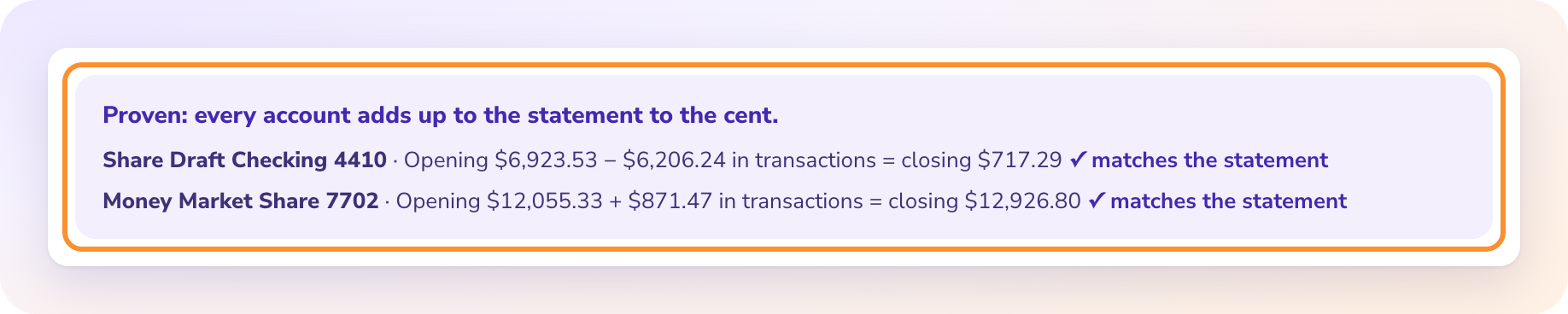
Whether it is complete. A QFX file ends with a closing ledger balance and an available balance, but there is no opening balance anywhere in it. So you can see where the account finished and not prove that every transaction in between is present.
A QFX file tells you where the balance ended. Only the statement tells you where it started.
Many banks also serve only around 90 days of QFX. That limit is set by each bank. For older months, the PDF statement is usually still in the bank's statement archive.
What if Quicken says the bank isn't supported?
Look at INTU.BID. Quicken compares it with the banks taking part in Web Connect, and a file can hold perfectly good transactions and still be refused on that check. A quick question to the bank about whether Quicken downloads are still supported settles it.
Key takeaways
- QFX is OFX text plus Intuit's INTU.BID tag, made for Quicken Web Connect.
- Always open a copy, and close it without saving.
- DTSTART, DTEND and ACCTID answer most questions about a file.
- The file has no opening balance, so it can't prove a month is complete.
FAQ
Can Excel convert a QFX file to columns?
Not directly. Excel has no QFX import and shows the file as text. For a transaction table, import it into Quicken, or start from the PDF statement.
Why does a QFX import create duplicates?
Usually because the bank changed systems and issued new FITIDs for old transactions, so overlapping downloads no longer match.
Which programs import QFX?
Quicken through File, File Import, Web Connect. QuickBooks Online, YNAB and GnuCash accept it directly as well.
A full sample file explained line by line is in the ZeraBooks guide to what a QFX file is and how to open one.
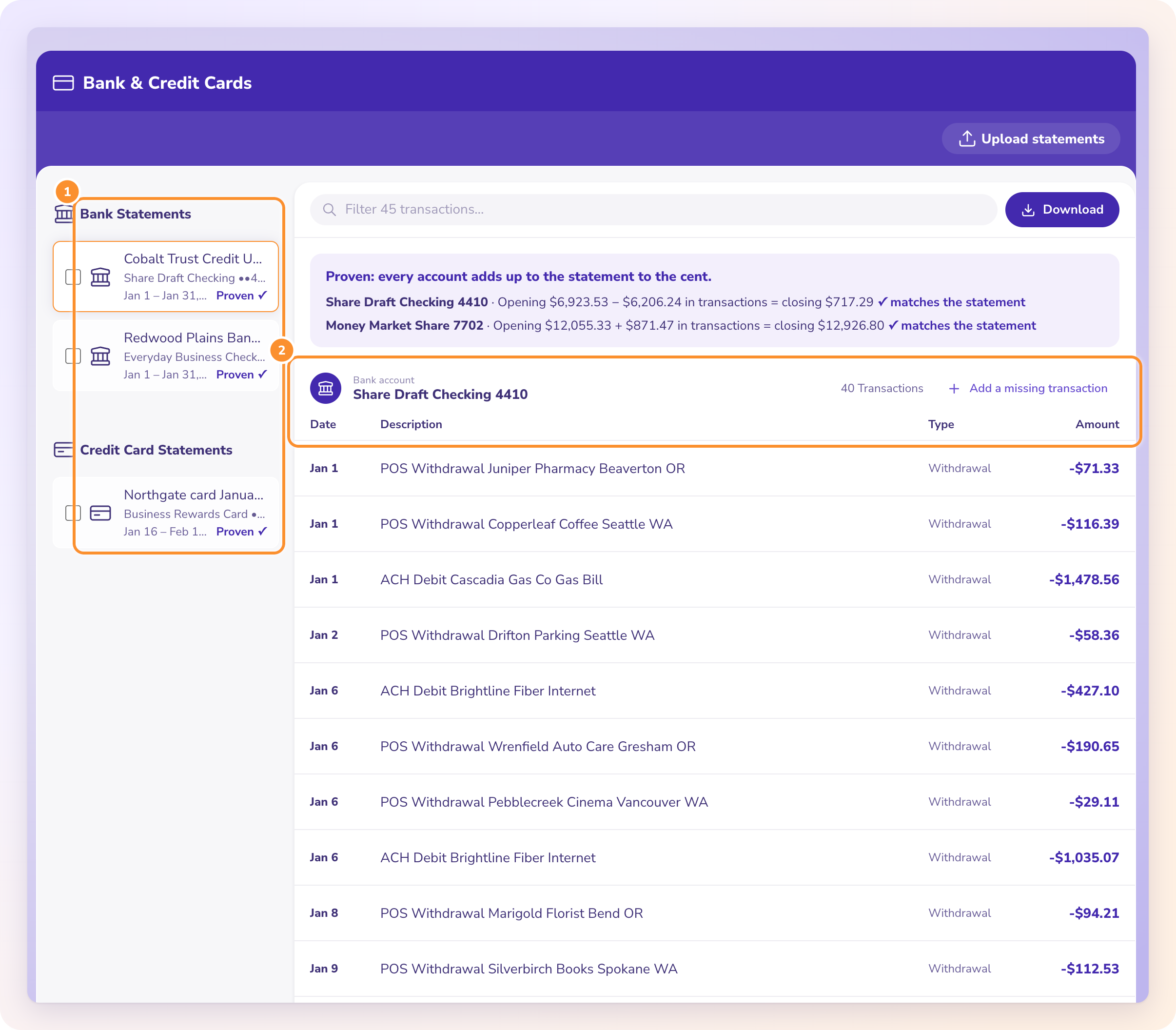
Disclosure: I'm the founder of ZeraBooks. The ZeraBooks bank statement converter reads PDF statements, including scanned ones, and gives you Excel or CSV, marked Proven only when it ties to the printed balances to the cent. It doesn't read or create QFX files.


Comments
Post a Comment