How to close a small business month in a single working day
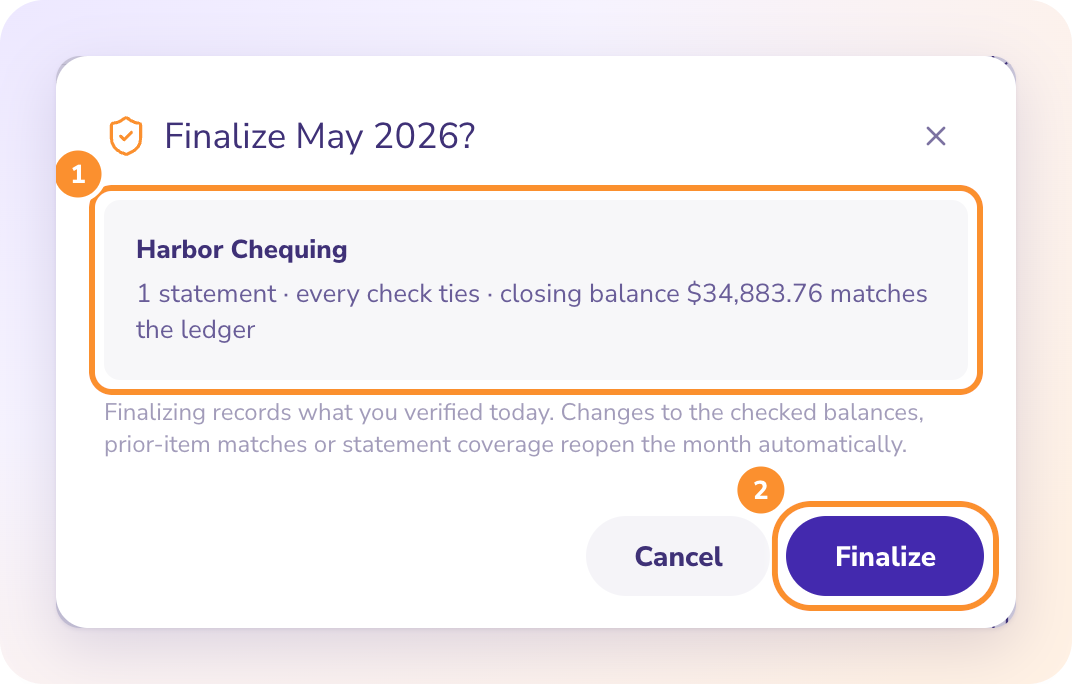
A small business with two bank accounts, one card and about 300 statement lines can close a month in one working day once every statement has arrived. Reconcile in the morning, clear transfers and receivables before lunch, post accruals and payroll after, then review and lock the period. The waiting for statements is what usually turns a close into two weeks.
The schedule below is illustrative. It assumes the fictional business above, with about a dozen customer invoices a month.
When should the close day be?
The working day after the last statement arrives, often between the 5th and the 8th. You need bank, card, loan and merchant processor statements, plus the payroll register. Use the card statement that closes inside the month, since card cycles rarely end on the 31st.
What does the day look like hour by hour?
| Time | Work | Done when |
|---|---|---|
| 9:00 to 10:30 | Reconcile every bank and card account | Each ledger balance equals the printed closing |
| 10:30 to 11:30 | Pair transfers, match deposits to invoices, enter unpaid bills | Transfers net to zero on the P&L |
| 12:30 to 1:30 | Accruals, prepaids, payroll, depreciation, loan interest | Each entry balances |
| 1:30 to 1:50 | Tie out sales tax | Payable equals collected less remitted |
| 2:00 to 2:45 | Review the P&L against last month | Every big move has a reason |
| 3:00 | Lock the period and send reports | Month closed |
Illustrative timings for a fictional small business.
Morning: reconcile first
For a bank account, the ledger balance on the statement date should equal the printed closing balance, after uncashed checks and uncredited deposits. For the card, start from the previous balance, add charges, fees and interest, take off payments and credits, and you should land on the printed new balance. Anything posted on top of an account that doesn't tie will probably be redone.
Late morning: the matching work
Pair each transfer, including the payment from checking to the card. Match customer deposits to invoices, then read receivables as of the last day and chase anything 90 days late.
Afternoon: the entries the bank never shows
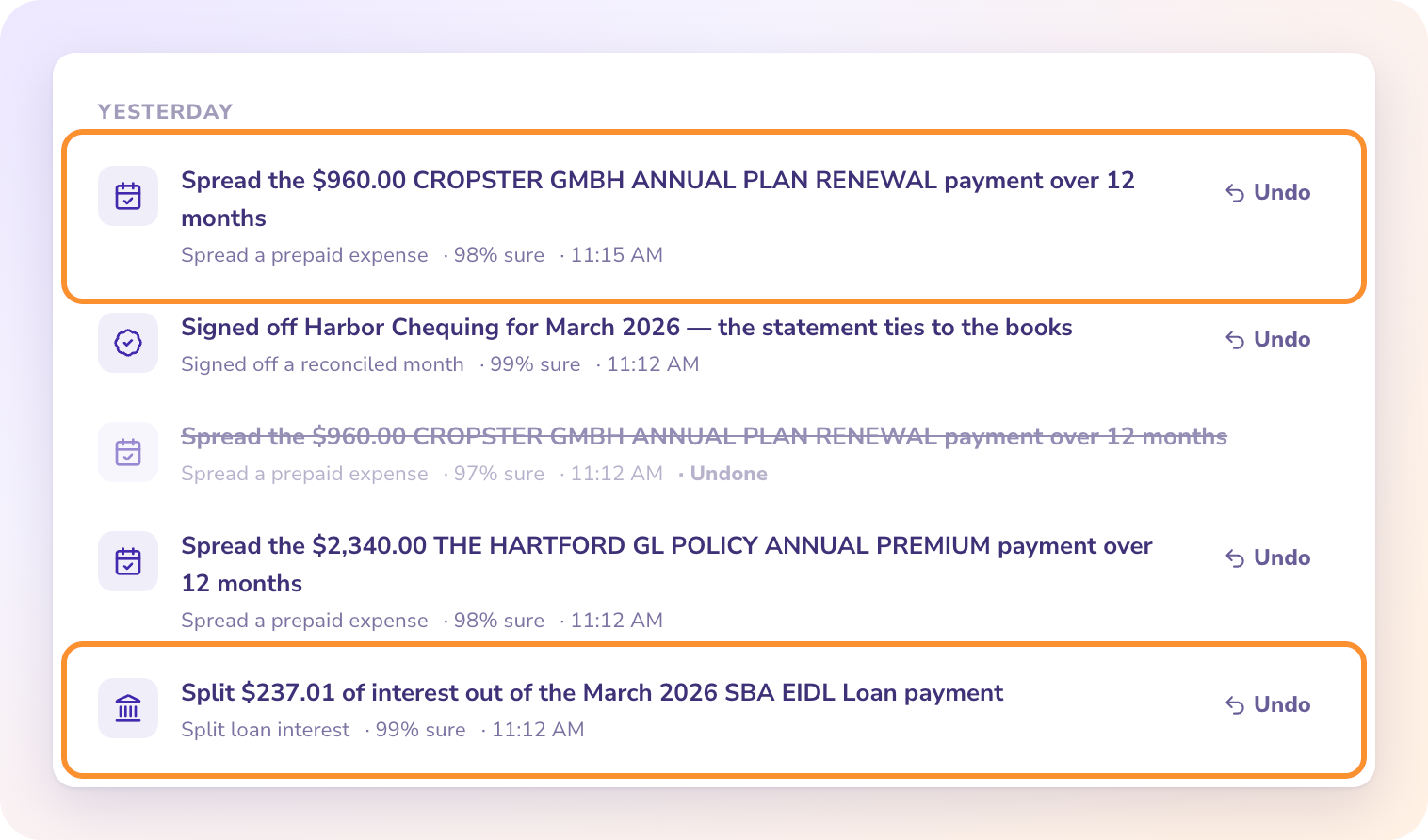
A $2,400 annual premium becomes $200 a month. Payroll goes in from the register with gross wages and employer taxes, because the bank only shows net pay. A $1,100 loan payment might hold $180 of interest, which belongs in expenses.
The close itself fits in a day. The week before it is spent waiting for the statements.
Mid-afternoon: sales tax and review
Sales tax payable should equal tax collected less tax sent in. Then put this month beside last month and read every line that moved more than you can explain. Scan the balance sheet for negative balances and anything left in Uncategorized.
3:00: lock
Close the month before reports go out, so a late edit can't change numbers someone already has. If a mistake turns up later, reopen on purpose, fix it and close again.
Key takeaways
- Start the day only when every statement is in hand.
- Reconcile before posting any adjusting entry.
- Spread annual costs, record payroll from the register and split loan interest.
- Lock the month before reports leave the building.
FAQ
How long should a small business month-end close take?
The work for a business this size is under a day. Closing within 10 working days of month end, counting the wait for statements, is a good result.
Which card statement do I reconcile?
The one that closes inside the month. Card cycles often end mid-month, so a later statement belongs to the next close.
What if I find an error after locking?
Reopen the month on purpose, correct it, and close it again, so the change is deliberate and visible.
All 13 steps, with who usually does each one, are in the ZeraBooks month-end close checklist for small businesses.
Disclosure: I'm Damin, founder of ZeraBooks. In the ZeraBooks general ledger, each uploaded statement is reconciled as it arrives, and Autopilot drafts depreciation, loan interest and prepaid entries for approval. You still record payroll from the register, and there is no bank feed. After a 7-day trial the software costs $79 a month on an annual plan, or $149 paid monthly.


Comments
Post a Comment