How to fill in a proof of cash template in Excel or Google Sheets
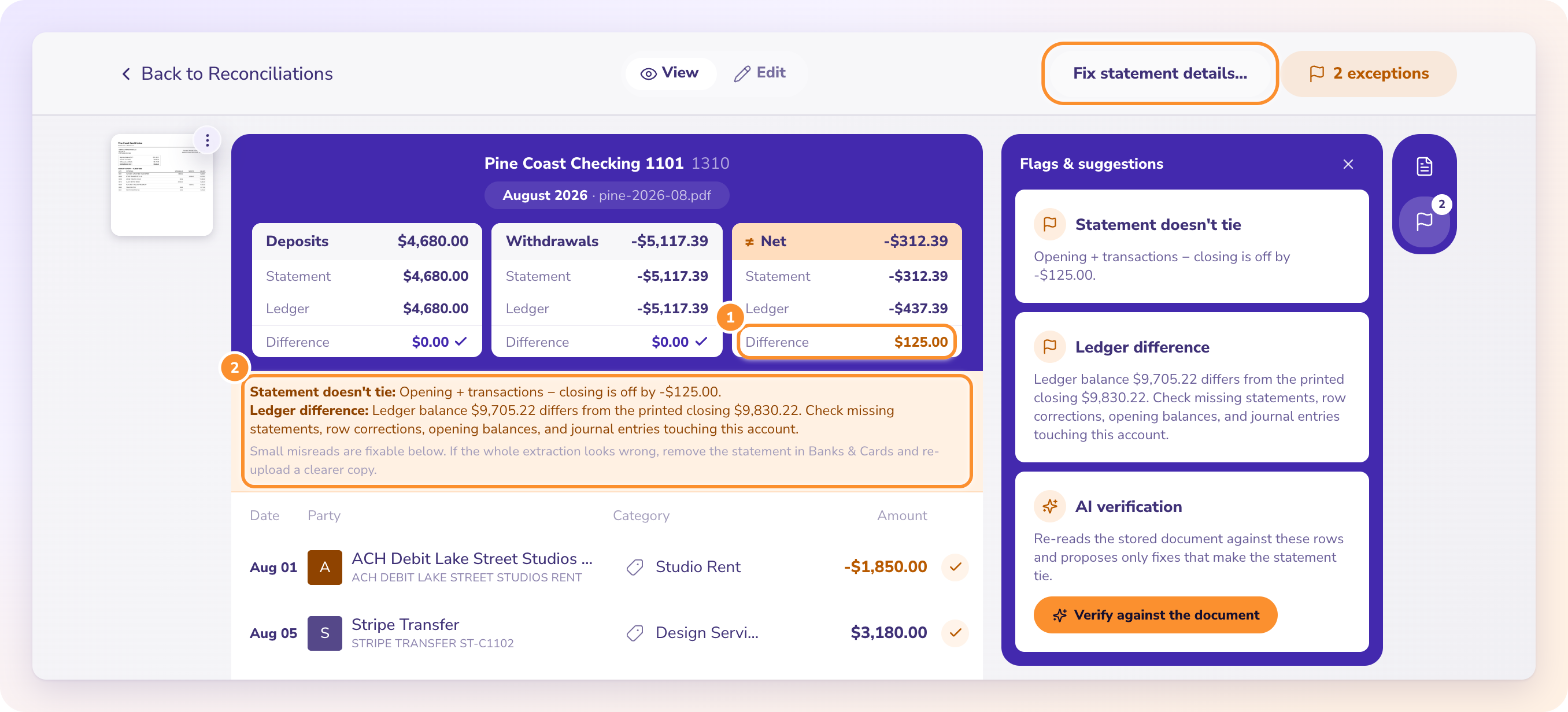
To fill in a proof of cash template, enter the bank row from the statement, then the books row from the cash account, then each reconciling item, checking that every row reads across: beginning plus receipts minus disbursements equals ending. When every column also lands on the books figure, it ties. Anything left over is your finding.
A blank template has a lot of cells, and the order you fill them in decides how fast you find a difference. These steps use the free ZeraBooks template, which has a row check column built in.
How do you set up a proof of cash template?
Step 1: Open the template
Download the CSV and open it in Excel or Google Sheets. It has five columns, Line, Beginning balance, Receipts, Disbursements and Ending balance, plus a row check column that should read 0.00 on every line.
Step 2: Fill in the bank row
- Beginning balance: the printed opening balance.
- Receipts: total deposits and credits for the period.
- Disbursements: total withdrawals and debits.
- Ending balance: the printed closing balance.
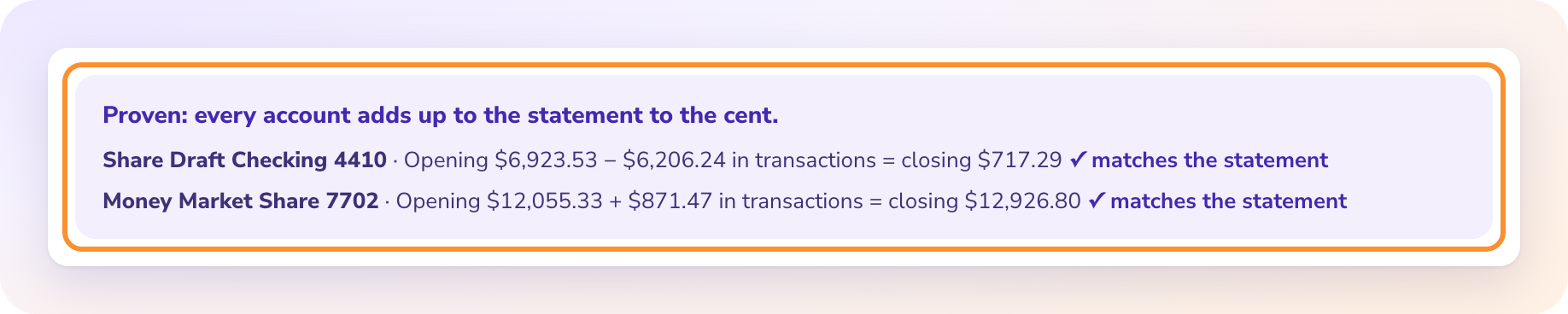
Many statements print these totals in the summary box. Check them anyway: opening plus receipts minus disbursements should equal closing.
Step 3: Fill in the books row
From the general ledger cash account: the balance at the start of the period, total debits (receipts), total credits (disbursements) and the balance at the end. Same check: the row should read across.
Where does each reconciling item go?
| Item | Beginning | Receipts | Disbursements | Ending |
|---|---|---|---|---|
| Deposit in transit, last period | + amount | minus amount | ||
| Outstanding check, last period | minus amount | minus amount | ||
| Deposit in transit, this period | + amount | + amount | ||
| Outstanding check, this period | + amount | minus amount | ||
| Returned (NSF) check or bank fee | minus amount | + amount | ||
| Interest credited | minus amount | minus amount |
Step 4: Add last period's open items
Take last month's reconciliation. Enter each deposit in transit and each outstanding check as in the first two rows above. Each row's check should read 0.00.
Step 5: Add this period's open items
For each deposit in transit at period end, enter the amount in Receipts and Ending. For each outstanding check, the amount in Disbursements and a negative in Ending.
Step 6: Add bank items the books don't have yet
Returned checks, bank fees and interest credited, as in the last two rows of the table.
How do you read a proof of cash that doesn't tie?
Step 7: Total each column
Add the bank row and every reconciling item in each column. Each total should equal the books row. In the template's worked March 2026, the bank's receipts of 61,385.40 adjust to the books' 63,037.03, and the ending balance of 51,693.25 adjusts to 52,174.28.
If Receipts and Ending are off by the same amount and Disbursements agrees, the bank received money the books never recorded. If Disbursements and Ending are off, it is a payment.
Step 8: Record the entries
Bank fees, interest and returned checks need journal entries in the books. Once booked, they disappear from next month's proof.
Key takeaways
- Fill the bank row, then the books row, then the reconciling items, one at a time.
- Every row must read across to 0.00 on the row check.
- Every column, adjusted from bank, must land on the books figure.
- Which columns fail tells you whether a receipt or a payment is missing.
FAQ
What is a proof of cash?
A four-column reconciliation that ties a bank account's beginning balance, receipts, disbursements and ending balance for a period to the books, not only the ending balance.
Is the proof of cash template free?
Yes. The ZeraBooks CSV template is free to use with no sign-up, and it contains the March 2026 worked example to replace with your own figures.
Where do receipts and disbursements per bank come from?
From the statement's total deposits and total withdrawals. A converter download with money in and money out as two columns gives the same totals.
The template and the fully worked four-column example are at https://www.zerabooks.com/proof-of-cash.
Disclosure: I'm the founder of ZeraBooks. ZeraBooks proves each statement against its printed opening and closing balances and gives money in and money out as two columns, which are the bank receipts and disbursements for step 2. It doesn't keep a list of open items or perform audits. The software is $79 a month billed annually or $149 monthly, after a 7-day trial.


Comments
Post a Comment