How to import a U.S.-format bank CSV into Google Sheets from the UK, Canada or Australia
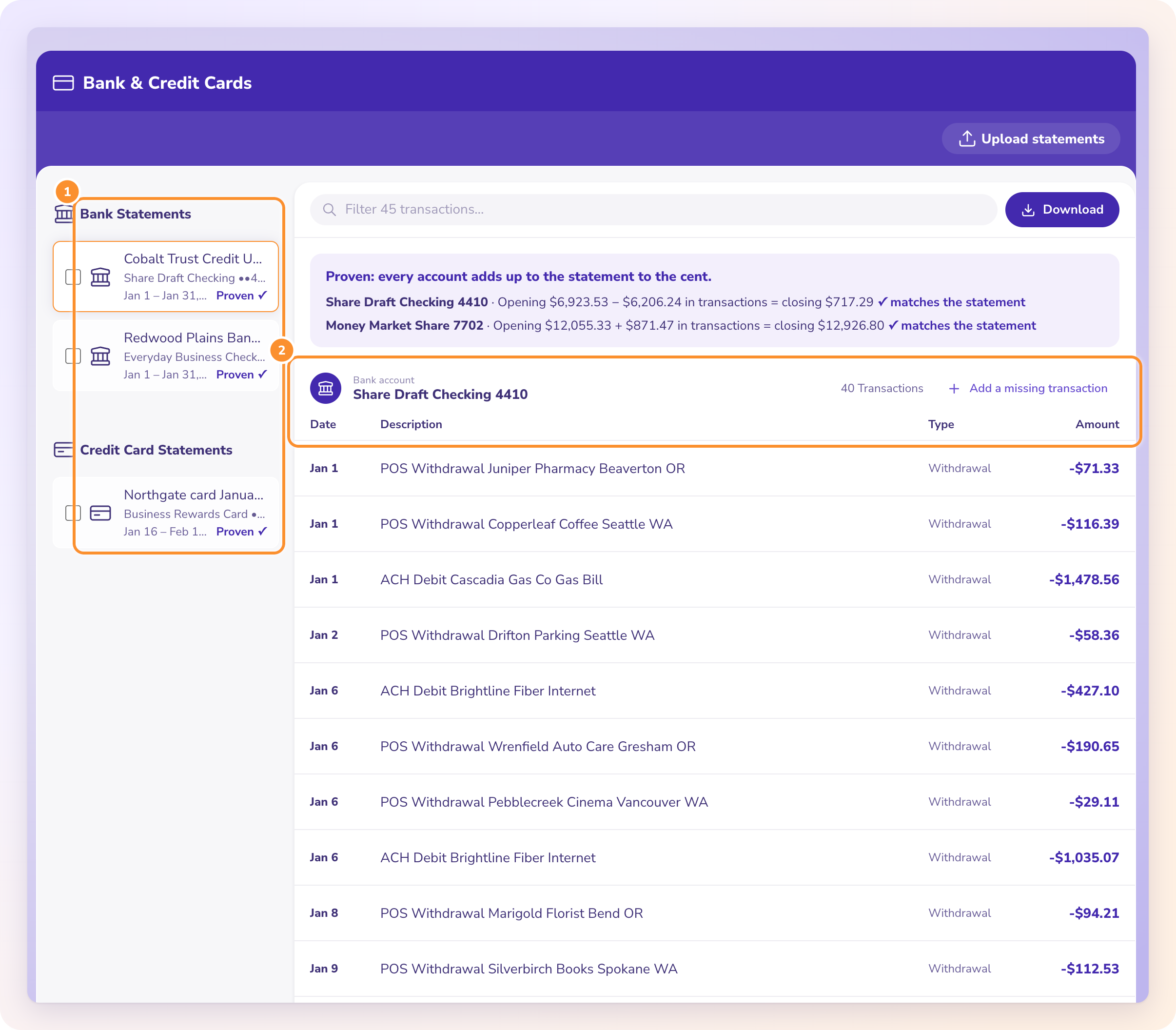
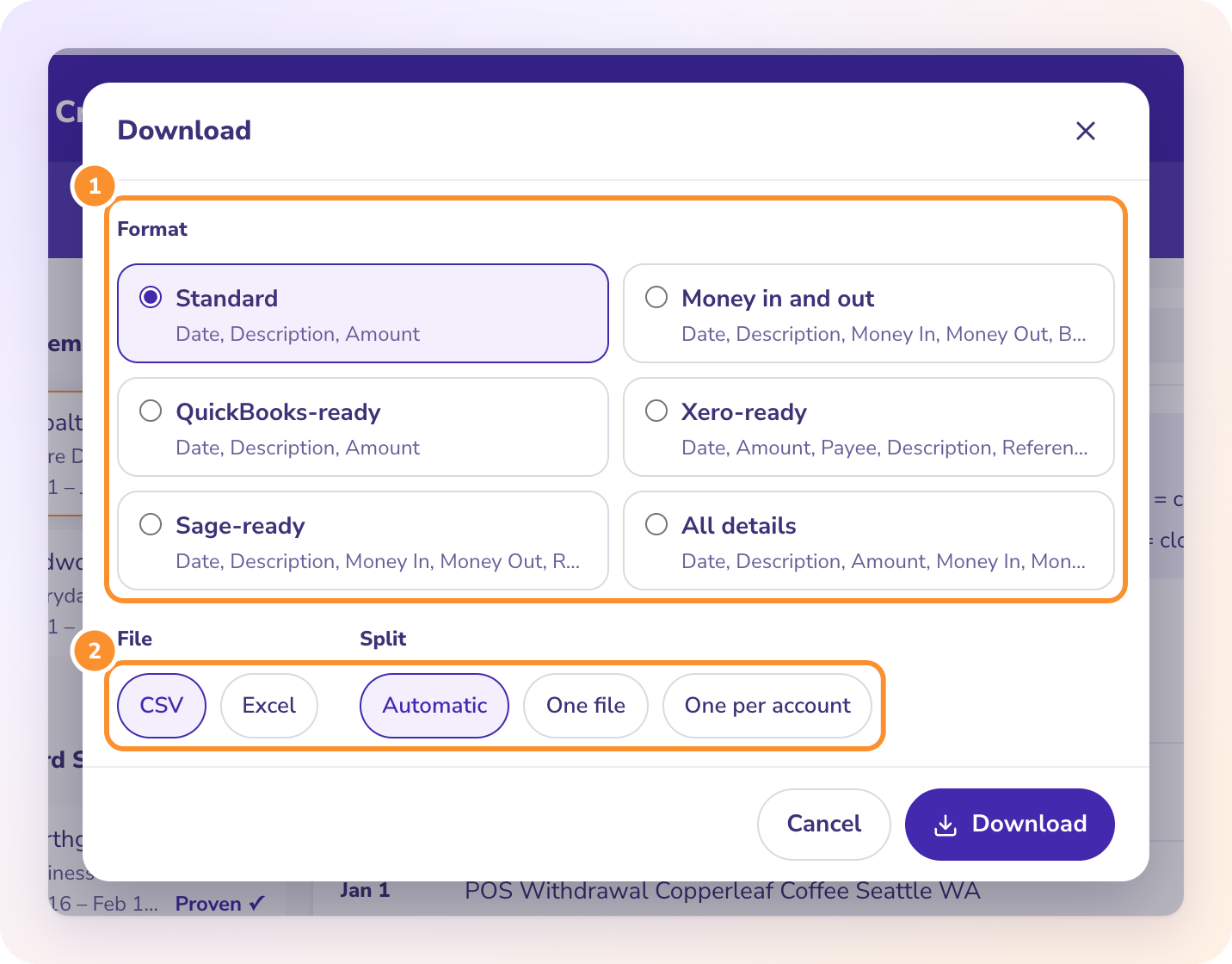
To import a U.S.-format bank CSV into Google Sheets from the UK, Canada or Australia, set the spreadsheet's locale to United States before you import, use File, Import, Upload with "Convert text to numbers, dates, and formulas" ticked, then switch the locale back if you like. Imported dates stay correct and display in your own format.
If you skip the first step, Sheets reads 03/02/2026 day first, as 3 February, and a date like 03/14/2026 turns into text. Some dates flip silently and the rest stop being dates. Here is the fix, step by step.
What goes wrong when you import a U.S. bank CSV outside the U.S.?
| Date in the file | Means | UK, Canada or Australia locale reads it as |
|---|---|---|
| 03/02/2026 | March 2 | 3 February (wrong, and it looks right) |
| 03/12/2026 | March 12 | 3 December |
| 03/14/2026 | March 14 | Text, sitting on the left of the cell |
Changing the locale after a bad import doesn't fix dates that were already misread. Set it first, then import.
How do you import a U.S.-format bank CSV correctly?
Step 1: Check what your file uses
Open the CSV in a text editor (Notepad or TextEdit) and find a date on the 13th or later. If it says 03/14/2026, the file is month first. Statements from a U.S. bank, or from a converter that writes U.S. dates, look like this.
Step 2: Change the sheet's locale
In the spreadsheet you are importing into, go to File, Settings. Under Locale, choose United States, then Save settings.
Step 3: Import the file
File, Import, Upload, and drop in the CSV.
- Import location: Insert new sheet(s) for a fresh tab, or Append to current sheet to add a month under the last one.
- Separator type: Comma, or Detect automatically.
- Conversion: leave "Convert text to numbers, dates, and formulas" ticked.
Step 4: Check the dates
Sort by the date column. If the dates run in order and none sit on the left as text, it worked. Any date from the 13th to the 31st is the best test, because those are the ones that turn to text when the locale is wrong.
Step 5: Switch back if you want
Go back to File, Settings and set Locale to United Kingdom, Canada or Australia. The dates you imported stay correct and now display day first. New imports need the switch again.
How do you know every transaction came through?
Step 6: Check the total against the statement
Type the statement's printed opening balance in G1 and closing balance in G2, then put =ROUND(G1+SUM(C2:C)-G2,2) in G3. It should read 0. If it doesn't, an amount probably came in as text. Amounts written with a comma as a thousands separator are the usual cause in other files; a clean CSV doesn't have them.
Key takeaways
- Sheets reads dates by the spreadsheet's locale, not by the file.
- Set Locale to United States before importing a month-first file.
- Dates from the 13th to the 31st are the quickest test: if they are text, the locale was wrong.
- Check the import with opening plus the Amount column minus closing, which should be 0.
FAQ
Will switching the locale back change my imported dates?
No. Once imported correctly they are stored as real dates. Switching back only changes how they display.
Can I fix wrong dates after a bad import?
Not reliably. Days 1 to 12 already flipped month and day. Delete the tab, set the locale and import again.
Can Google Sheets import a PDF bank statement directly?
No. File, Import takes CSV, TSV, text and spreadsheet files. Convert the PDF to CSV first.
The full Google Sheets guide, with every import setting that breaks statement data and a starter set of formulas, is at https://www.zerabooks.com/bank-statement-to-google-sheets.
Disclosure: I'm the founder of ZeraBooks. The ZeraBooks converter turns PDF bank statements into CSV with U.S. dates, plain amounts with no thousands separator, and each statement checked against its printed opening and closing balances. It has no Google Sheets connection, so you import the file as above. The software is $79 a month billed annually or $149 monthly, after a 7-day trial.


Comments
Post a Comment