How do you combine 12 bank statements into one spreadsheet without double rows?
Put every month in one sheet, then check the seams: each statement's closing balance must equal the next statement's opening balance, and any transaction dated on the last day of one statement must not appear again on the first day of the next. ZeraBooks does both when you download several statements together as one file, with an Account column so different accounts don't mix.
Where double rows come from
Statement periods don't always line up with calendar months. A statement that runs Jan 22 to Feb 21 and the next one from Feb 22 to Mar 21 is clean. But people often mix sources: a PDF statement for January and a CSV export for "February" that actually starts Feb 1. Now Feb 1 to Feb 21 is in the sheet twice.
Here's a seam check that catches it, for a cafe's account:
- January statement closes Jan 31 at 6,240.10
- February statement opens Feb 1 at 6,240.10
- Transactions in the sheet dated Feb 1 to Feb 28: total net +1,880.45
- February printed closing: 7,120.55
6,240.10 + 1,880.45 = 8,120.55, not 7,120.55. The sheet has 1,000.00 too much. Search February for anything that appears twice. Here it was a 1,000.00 transfer that came in once from the PDF and once from a CSV.
The checklist for a year in one sheet
- One source per month. All PDFs, ideally.
- Line up opening and closing balances month to month. Any break means a missing statement or a double.
- For each month, opening plus that month's rows must equal its closing.
- Add an Account column before you combine more than one account.
- Sort by date only after the checks pass.
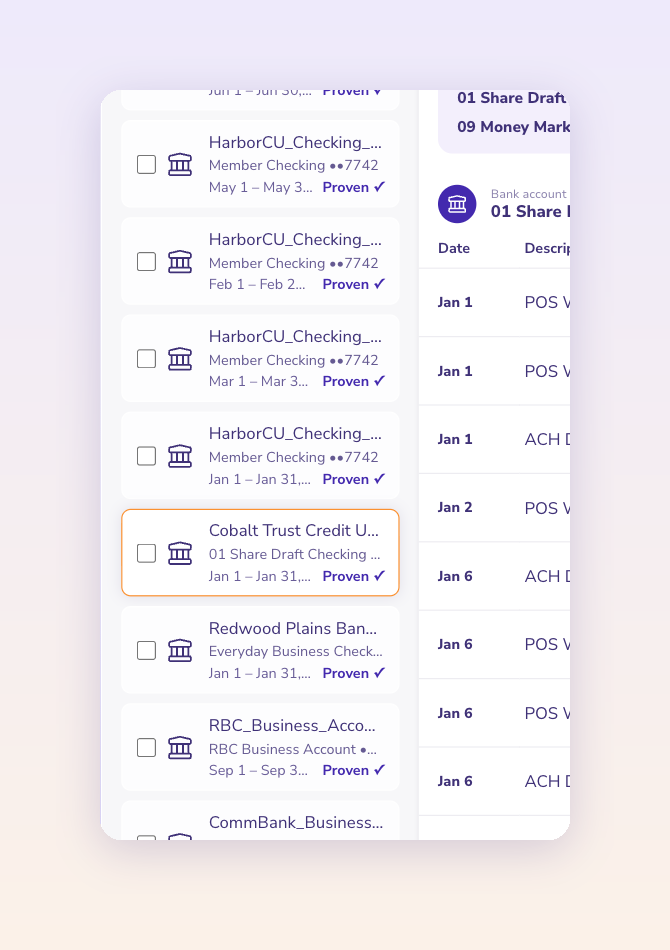
ZeraBooks shows every statement's opening and closing balance in one list so the seams are easy to read: https://www.zerabooks.com/combine-bank-statements
Disclosure: I founded it. The checklist works in plain Excel too.


Comments
Post a Comment