Is 99% OCR accuracy good enough for bank statements?
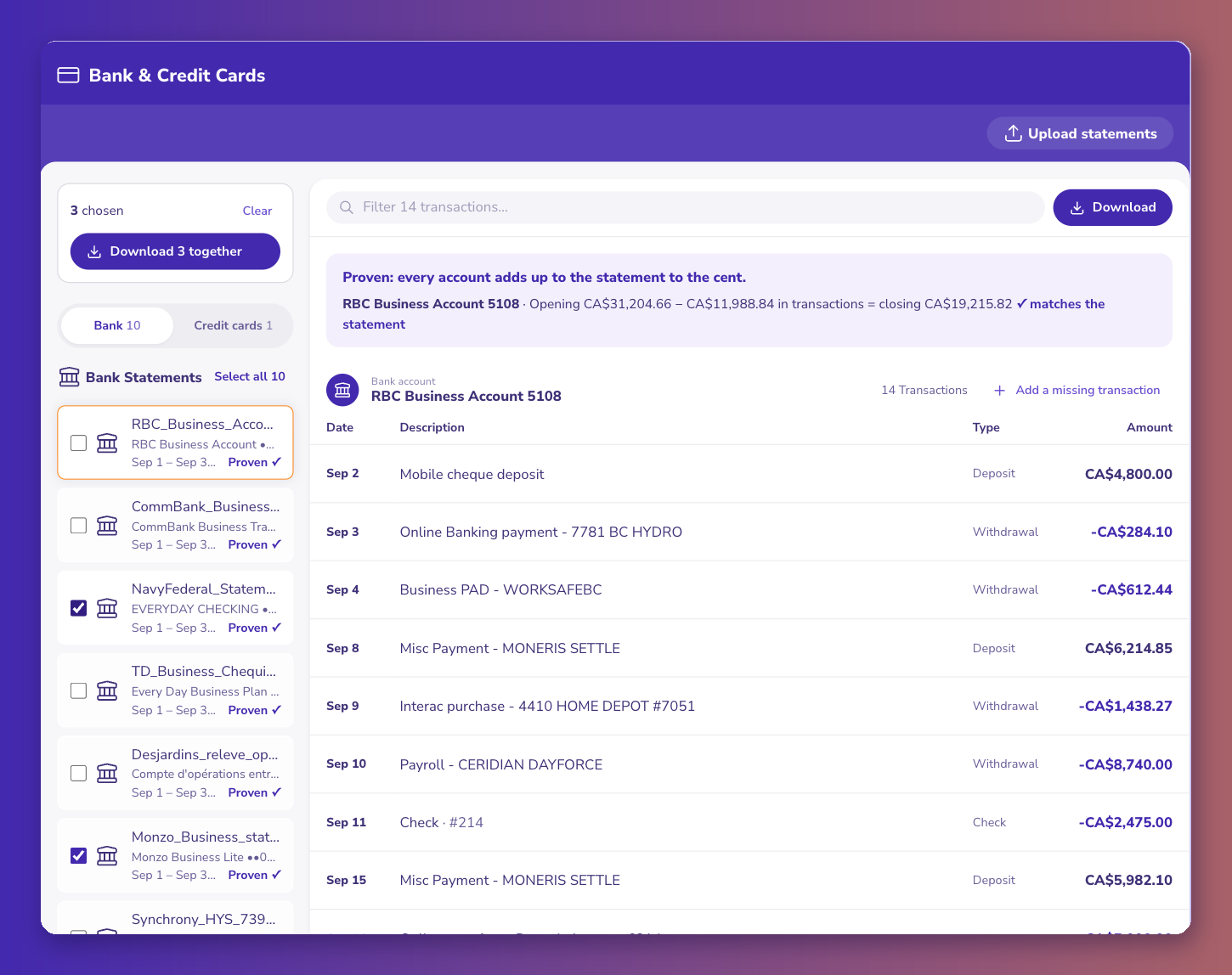
No, not on its own. A 99% character accuracy still means roughly one wrong digit per hundred, and a busy three-page statement can easily hold 400 to 600 digits in its amounts and balances. That's four to six wrong digits per statement, and you don't know which. What makes OCR safe for bank statements isn't a higher accuracy number; it's checking the result against totals the bank already printed. ZeraBooks does that for every statement before download.
The math people skip
Take a modest business checking statement: 80 transactions, each with an amount and a running balance, plus the summary box.
- 80 amounts at about 6 digits each: 480 digits
- 80 balances at about 6 digits each: 480 digits
- Summary: about 40 digits
That's about 1,000 digits. At 99%, about 10 could be wrong. At 99.9%, about 1.
One wrong digit in the wrong place, a 1 read as a 7 in the thousands, and the month is off by 6,000.
Why the balance check catches it
A statement is a closed system. Opening balance plus every amount equals the closing balance. Each running balance equals the one before plus the row.
So a misread amount doesn't hide. The balance after it stops following, and the difference is exactly the size of the mistake. Find where the running balance first breaks, and you've found the row.
What to ask any OCR tool
- Does it check the result against the statement's own balances?
- Per account, if a PDF has more than one?
- Does it tell you which row broke, or just that something did?
- Can you see the original PDF line next to the extracted row?
If the answer to the first one is no, you're the check, row by row.
We built ZeraBooks so the statement checks itself: https://www.zerabooks.com/bank-statement-ocr. I'm the founder, so test it on your own worst statement before believing me.


Comments
Post a Comment