Why does Hubdoc's bank statement CSV have no balance column?
Because Hubdoc's statement extraction is built to feed Xero or QuickBooks, and those only need date, description and amount. Hubdoc's own support article lists exactly those columns for debit statements (credit statements add a transaction date). That's fine for an import. It's a problem when you want to check the file, because the running balance is how you find a missing or doubled row. ZeraBooks keeps the balance and proves every account against the printed balances before you download.
What the balance column is for
A bank statement prints a balance after each transaction or each day. That column is a free audit trail. If row 40 is missing, the balance on row 41 won't follow from row 39.
Drop the column and the only check left is the grand total. A grand total can hide two errors that cancel out.
What Hubdoc's rules say
From Hubdoc's support page on bank statement extraction (read November 2026):
- Canada and U.S. statements only, in English
- One statement per PDF, up to 100 pages and 35MB, at least 200 DPI, scanned straight
- Banks not on its supported list may have lower accuracy, "provided as is"
- It shows an error when totals don't match or there's no opening or closing date
That last one is good: Hubdoc does notice when totals don't match. What it gives you then is an error, not the row that's missing.
What changes in ZeraBooks
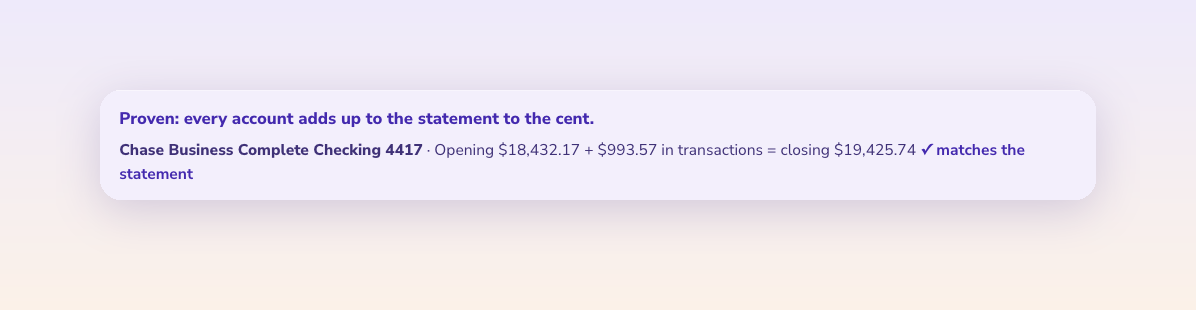
ZeraBooks reads statements from any bank, up to 500 pages, keeps the balance column, and checks every account against its own opening and closing balance. When something doesn't tie, it shows you the difference so you know where to look.
It doesn't sync to Xero or QuickBooks. You download a CSV in the import layout and upload it. Some firms prefer that, because nothing lands in the client's books unchecked.
Full comparison, with what a 30-client firm pays in each: https://www.zerabooks.com/alternatives/hubdoc
Disclosure: I founded ZeraBooks.


Comments
Post a Comment